The New Reality of Freelance Data Management
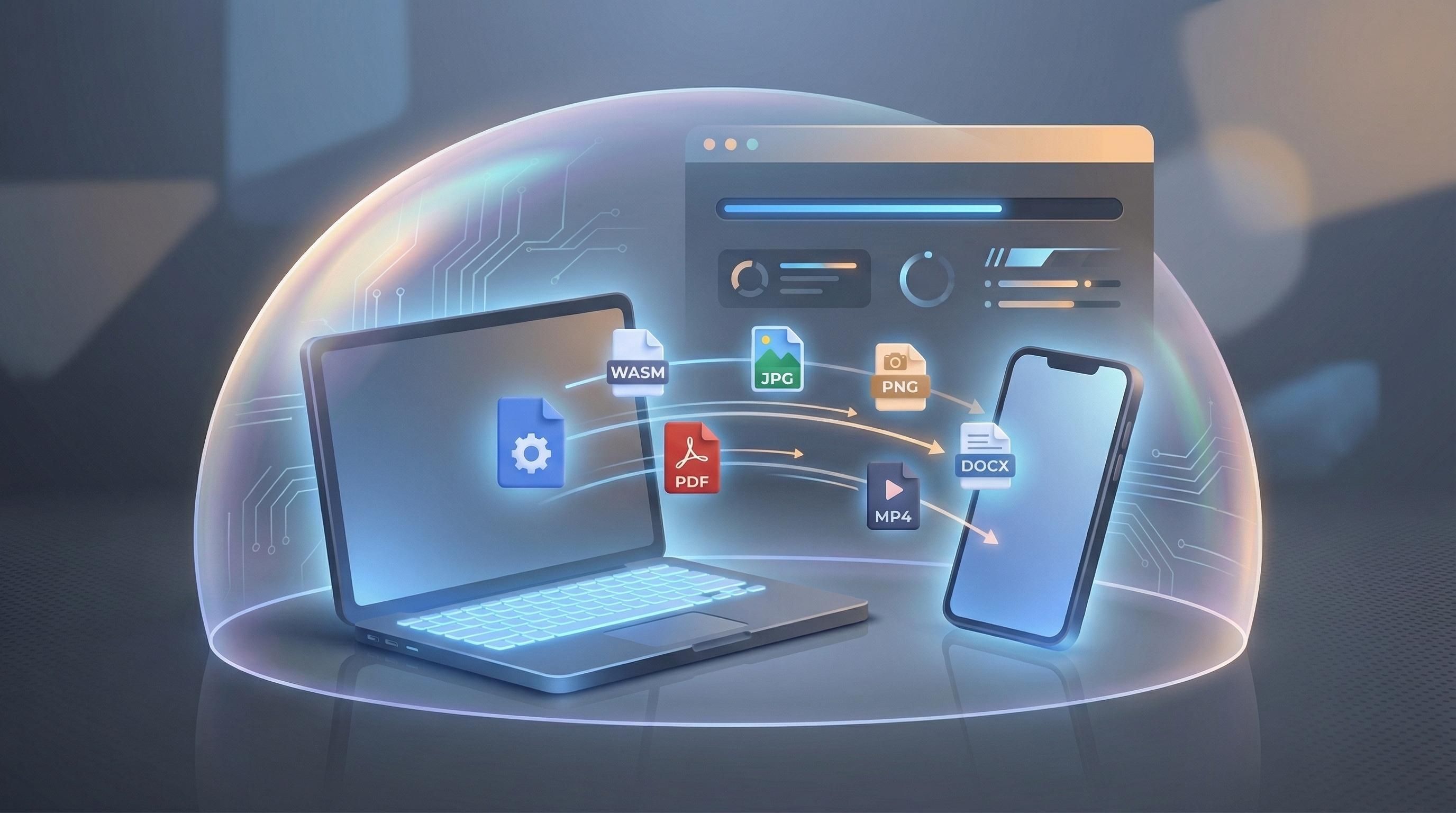
The professional landscape for freelancers is defined by agility and efficiency. Developers, designers, and students are constantly juggling files across disparate formats and platforms. Until recently, this dance required either a heavy suite of expensive, locally installed software or a heavy reliance on cloud-based SaaS tools. While the latter offered convenience, it introduced critical vulnerabilities in data privacy and bandwidth dependence. However, a fundamental shift is occurring. We are moving past the era of the 'dumb' browser, which merely renders server-side content, into the era of the 'intelligent' browser. This evolution is powered by the synthesis of advanced browser APIs and WebAssembly (WASM), allowing tools to execute complex computations, like file conversion, entirely on the user's machine. This "local processing" model is not just a technical optimization; it’s the foundational philosophy of modern utilities like Flux-Convert (built by Codepal), designed to meet the strict security and efficiency demands of today's privacy-conscious professionals.
Understanding the Freelance Dilemma: The Cloud Tax
For a designer working on sensitive brand assets, or a developer handling proprietary code, the standard operating procedure has long been a trade-off. Converting a PSD to a high-quality PNG often meant uploading it to an opaque third-party server. This "Cloud Tax" is threefold, impacting the freelancer in ways that are often overlooked until a problem occurs.
The Problem of Data Privacy
The paramount concern is security. When a file is uploaded to a traditional cloud converter, you, as the freelancer, are relinquishing custody. While many services claim they delete files "within 24 hours," there is no mechanism for verification. The files might be used for training AI models, stored in insecure caches, or accessed during a server-side breach. For professionals handling confidential client data, this risk is increasingly unacceptable. The GDPR and similar regulations place strict liability on data handlers, and freelancers are often the first line of defense—and the first to be exposed.
Latency and Dependency
Furthermore, cloud reliance creates critical bottlenecks. Conversion speed becomes entirely dependent on two factors: the freelancer’s upload speed and the service provider’s server load. This is a friction point. Uploading a 50MB image for a 2-second conversion, only to then download the result, is an inefficient process that stacks up over a busy workday. It requires a stable internet connection, rendering the utility useless in the very scenarios where a "portable" professional needs it most: during travel, in areas with poor connectivity, or during server outages.
The Technological Leaps Enabling Local Processing
The transition from server-side dependency to browser-side autonomy wasn't an overnight change. It required a confluence of browser technologies. The two most critical pillars supporting this new architectural approach are WebAssembly and modern browser APIs.
WebAssembly (WASM): Native Speed in the Browser
WebAssembly is the true game-changer. It is a binary instruction format for a stack-based virtual machine, designed as a portable compilation target for programming languages like C, C++, and Rust. Critically, it allows near-native execution speed within the browser's JavaScript environment. When you use Flux-Convert, for example, the core heavy-lifting—whether that's compressing a complex vector file or decoding a specific image format—is handled by code compiled to WASM. This code runs with the performance profile of an installed desktop application, but within the secure sandbox of your browser tab.
The Filesystem Access API
Complementing WASM is the advancement of standard browser interfaces, specifically the File System Access API. This allows web applications to read or save changes directly to files and folders on the user's device, provided the user grants permission. This API closes the gap between web apps and native applications, allowing for seamless local workflow. When combined with WASM processing, the browser becomes a complete, high-performance workstation where files can be accessed, processed, and resaved without ever transiting the public internet.
The Strategic Advantages of Client-Side Conversion
This technological leap directly addresses the freelancer's friction points. By shifting the paradigm from 'Upload, Process, Download' to 'Load, Process, Save,' the browser-based client-side model offers several overwhelming strategic advantages that define Flux-Convert's approach.
1. Absolute Data Privacy
This is the most crucial benefit and the cornerstone of Flux-Convert's philosophy. With client-side processing, your data never leaves your device. The conversion logic (the WASM module) is downloaded once by the browser, and from that point forward, all file operations occur in the local memory of your machine. There is no cloud storage, no data transit, and zero chance of your proprietary assets being stored on or leaked from a remote server. For freelancers handling legally sensitive documents or designs under NDA, this architecture is a necessity, not a luxury. It provides verifiable, cryptographic certainty that data sovereignty is maintained.
2. Zero Latency and Maximum Speed
By eliminating the need to transfer files to and from a server, latency is virtually negated. The "conversion time" is strictly limited to the processing time of your machine's CPU and memory. For most standard file conversions—like converting a batch of images from HEIC to JPG or optimizing a PDF—this processing is near-instantaneous. The days of waiting for a progress bar to upload, then another to process, and another to download, are over. Local processing maximizes efficiency, directly increasing a freelancer's billable output.
3. Absolute Independence and Offline Utility
The final and perhaps most practical advantage is operational independence. Because the processing logic is local, a browser-based tool like Flux-Convert can function entirely offline. A freelancer traveling on a train, working in a cafe with poor Wi-Fi, or simply preferring to disconnect for focused work can still execute complex file conversions. Your workflow is no longer at the mercy of the quality of your internet connection or the uptime of a third-party service provider. This portability and reliability are critical for maintaining productivity in the real-world scenarios that define modern, hybrid work environments.
The Long-Tail Impact: Cost-Effectiveness and Evolution
The advantages extend beyond immediate privacy and performance. The client-side model, which forms the core of the Flux-Convert utility, also naturally leads to a more sustainable and cost-effective solution. Cloud-based conversion services incur significant operational costs, primarily in the form of server compute time and bandwidth usage. These costs are almost always passed on to the user, either through subscription fees, per-conversion charges, or intrusive advertising that slows down the user interface. Flux-Convert, by leveraging the user's own device for computation, eliminates these massive server-side overheads. This efficiency allows the utility to be offered at zero cost to the user, without the need for aggressive monetization strategies. This makes it an invaluable tool for students and early-career freelancers who are prioritizing budget-conscious, high-performance tools. Furthermore, we are only seeing the beginning of this shift. As browser capabilities continue to expand and user devices become more powerful, the range of complex operations that can be performed locally will explode. We will likely move from simple file conversion to browser-based video encoding, complex 3D rendering, and local AI processing—all operating under the same philosophy of absolute privacy and performance.
Conclusion
The movement toward browser-based, client-side file conversion is not just a technical trend; it is a fundamental correction in how we approach data management in an increasingly decentralized workforce. For freelancers, whose competitive edge relies on efficiency and security, embracing local processing is a strategic imperitive. Tools like Flux-Convert, built on this exact philosophy of zero latency, zero cost, and zero data leaks, are providing the essential infrastructure for this new era. The browser is no longer a viewer; it is a workstation, and it’s time to use its full potential.