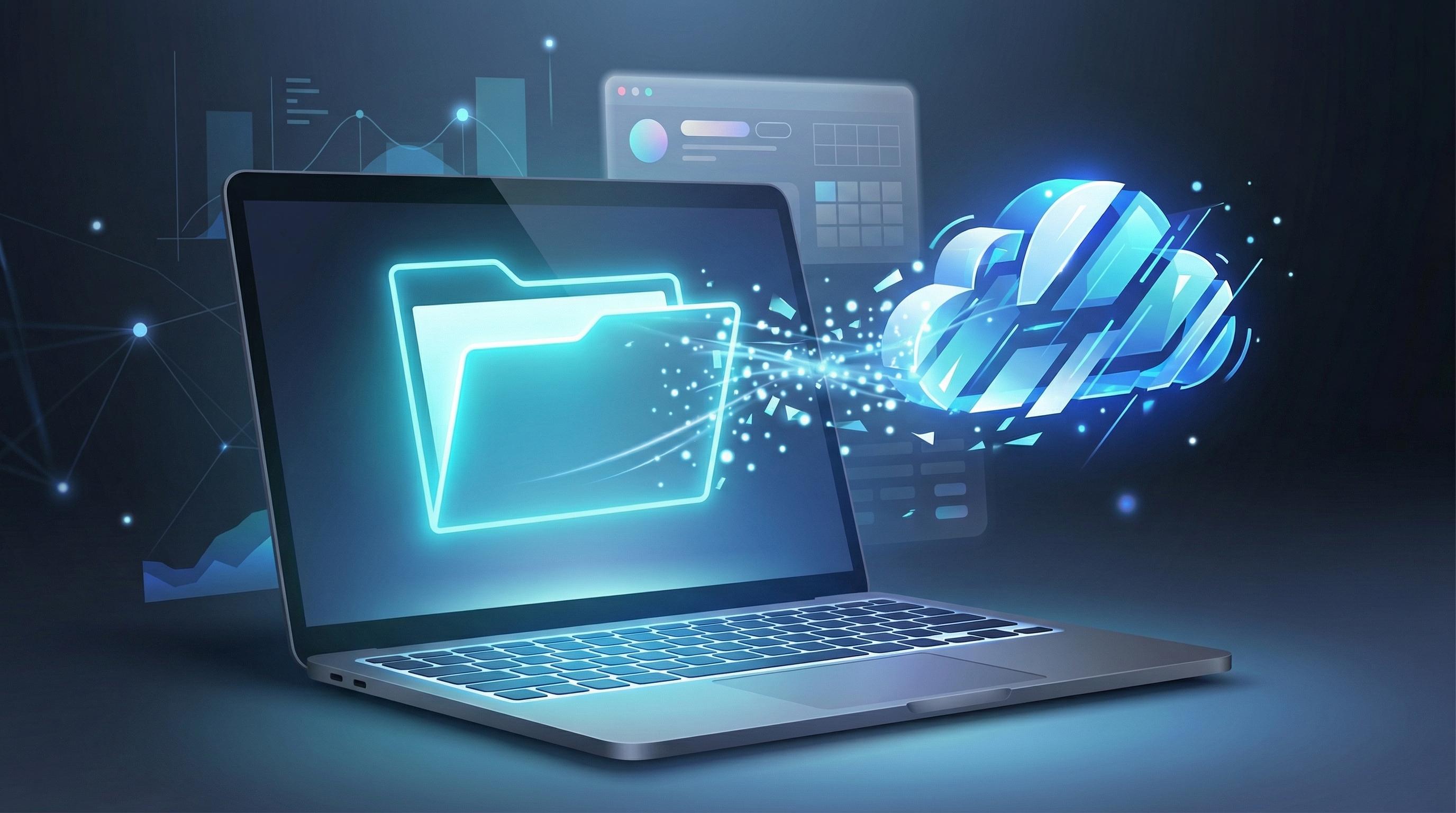
The Hidden Costs of Cloud-Based File Conversion
For years, the standard approach to converting a file from one format to another has involved relying on cloud-based services. Whether you are a developer formatting a dataset, a designer tweaking image extensions, or a student combining research documents, the workflow is frustratingly familiar. You navigate to a conversion website, upload your potentially sensitive file to an unknown server, wait for the remote machine to process the data, and finally download the result. While this server-side processing model has been the industry standard, it introduces significant bottlenecks and risks that modern users should no longer have to tolerate.The most pressing issue with traditional online converters is the severe compromise of data privacy. When you upload a document to a remote server, you are essentially handing over control of your data to a third party. Even with robust privacy policies and promises of immediate file deletion, the reality is that your information is transmitted across the internet and stored, however briefly, on hardware you do not control. For privacy-conscious professionals handling proprietary code, unreleased design assets, or confidential client information, this exposure is an unacceptable security vulnerability.Beyond the privacy implications, cloud-based converters are heavily constrained by network latency and bandwidth limitations. The time it takes to convert a file is entirely dependent on your internet connection speed. Uploading a massive video file or a high-resolution image archive can take agonizingly long, and any network interruption forces you to restart the entire process from scratch. Furthermore, to manage server costs, these platforms frequently impose restrictive file size limits, daily usage caps, or aggressive paywalls that hinder productivity when you need it most.
The Paradigm Shift: Client-Side Processing
The internet has evolved dramatically, and modern web browsers are no longer just simple document viewers; they are incredibly powerful, self-contained operating systems. This evolution has paved the way for client-side processing, a revolutionary paradigm where complex computational tasks are executed directly on your device rather than on a distant server. By leveraging the local processing power of your laptop or smartphone, web applications can now perform heavy lifting without ever transmitting your data across the internet.At the heart of this transformation is WebAssembly (often abbreviated as Wasm). WebAssembly is a low-level assembly-like language with a compact binary format that runs with near-native performance right inside the browser. It allows developers to take highly optimized code written in languages like C, C++, or Rust—languages traditionally used for intensive desktop applications—and compile them to run securely on the web. This means that the intricate algorithms required for encoding video, compressing images, or parsing complex document structures can now be executed instantly within your browser environment.When you use a client-side web utility, the initial page load simply downloads the necessary application logic to your device. Once that small payload is cached, the entire application can function independently of the internet. You can disconnect your Wi-Fi, load your files into the browser, and the conversion happens entirely locally. This architectural shift fundamentally eliminates the need for server round-trips, permanently resolving the privacy and latency issues associated with legacy cloud converters.
Why WebAssembly Changes the Game
Before WebAssembly, attempting to convert large files using JavaScript alone would often result in crashed browser tabs and painfully slow execution times. JavaScript, while versatile, was simply not designed for the heavy computational load required by media encoding or complex data transformation. WebAssembly bypasses these limitations by allowing the browser to execute pre-compiled binary code safely and efficiently alongside JavaScript.This technological breakthrough ensures that the user experience is incredibly smooth. The browser's security sandbox ensures that the WebAssembly code cannot access your broader operating system, maintaining strict security while granting the application the raw processing power it needs. It is the perfect marriage of desktop-level performance and web-based accessibility, creating a zero-friction environment for users who demand speed and reliability.
The Superiority of Zero-Latency, Offline Conversion
The shift to offline, in-browser file conversion brings a host of distinct advantages that immediately improve daily workflows. Foremost among these is absolute data privacy. Because the processing happens entirely on your local machine, your files never leave your device. There is no upload process, no temporary server storage, and no risk of interception or data leaks. For legal professionals, financial analysts, and anyone handling sensitive information, this guarantees peace of mind that no server-side platform can legitimately offer.Additionally, client-side conversion eliminates the frustrating latency of the upload and download cycle. The speed of your conversion is dictated solely by the hardware capabilities of your device, meaning a modern laptop can convert complex files in a fraction of the time it would take just to upload them to a remote server. You experience zero latency and immediate results, drastically accelerating your workflow and keeping you in a productive state of flow.This model also inherently removes artificial file size limits. Cloud services must cap uploads to protect their server bandwidth and storage infrastructure. In contrast, local processing utilizes your device's RAM and CPU. If your machine can handle the file, the browser can convert it. This freedom allows users to process massive archives and high-definition media files without encountering arbitrary paywalls or premium subscription prompts.
Flux-Convert: Pioneering the Next Generation of Web Utilities
Recognizing the urgent need for secure, fast, and accessible digital tools, Codepal engineered Flux-Convert to champion the philosophy of client-side processing. Flux-Convert is not just another utility; it is a statement about how modern web applications should respect user time and data. By harnessing the full capabilities of WebAssembly, Flux-Convert transforms your browser into a highly secure, offline-capable conversion powerhouse.The vision behind Flux-Convert is rooted in the belief that fundamental digital utilities should be frictionless, cost-free, and uncompromisingly secure. Codepal developed this tool to strip away the bloated, ad-heavy interfaces of traditional converters, offering a sleek, minimalist environment where the user's task is the sole focus. Because the heavy lifting is done locally, Flux-Convert operates with zero server maintenance costs, allowing the platform to remain entirely free for its users without relying on invasive data monetization strategies.By utilizing Flux-Convert, users are not just converting a file; they are participating in a broader technical evolution. They are choosing a methodology that prioritizes digital sovereignty, ensuring that their private workflows remain strictly private. It is a seamless blend of cutting-edge web technology and user-centric design, built specifically for the demands of modern digital professionals.
Tailored for Professional Workflows
The practical applications of Flux-Convert's architecture span across various demanding disciplines. For software developers, the ability to instantly convert JSON to CSV or format configuration files offline means no more pasting proprietary database structures into random web forms. The conversion is immediate, allowing developers to maintain their momentum without compromising codebase security.Designers and creative professionals benefit immensely from the strict fidelity of local processing. When converting high-resolution SVG graphics to web-optimized WebP or PNG formats, traditional servers often apply aggressive, unrequested compression to save bandwidth. Flux-Convert processes the imagery exactly as instructed by the user's local hardware, ensuring that color profiles and pixel-perfect details are maintained flawlessly from the first frame to the final export.Students and academics also find immense value in reliable offline utilities. Whether studying in a library with heavily restricted network access or commuting on a train with spotty cellular reception, the ability to convert PDFs, compile research notes, and format essays without an internet connection is invaluable. It ensures that academic progress is never halted by environmental technical limitations.
Embracing the Future of Local Processing
The era of uploading personal files to remote servers for basic digital tasks is rapidly coming to an end. The integration of WebAssembly and advanced browser capabilities has democratized computational power, allowing sophisticated utilities to run securely and privately on our own devices. The benefits of zero latency, absolute privacy, and unconstrained file sizes are simply too significant to ignore. As platforms like Flux-Convert continue to push the boundaries of what is possible within a web browser, we are moving toward a more secure, efficient, and user-empowered internet. By adopting client-side web utilities, we protect our sensitive data, accelerate our daily workflows, and embrace a technological standard that respects both our time and our digital privacy.